

Here you can find useful tips and techniques, how-to videos, your product manual and more.
Downloads
Manuals
Documents for this model are being finalised.
Tips, techniques & setup
Support Videos
Frequently Asked
Questions
-
What materials can the ALLSAW cut?
When fitted with our specialized blades, the ALLSAW easily cuts through:
- Mortar and soft-to-medium brick
- Aerated concrete blocks and limestone
- Fiberboard, weatherboard, and composite materials
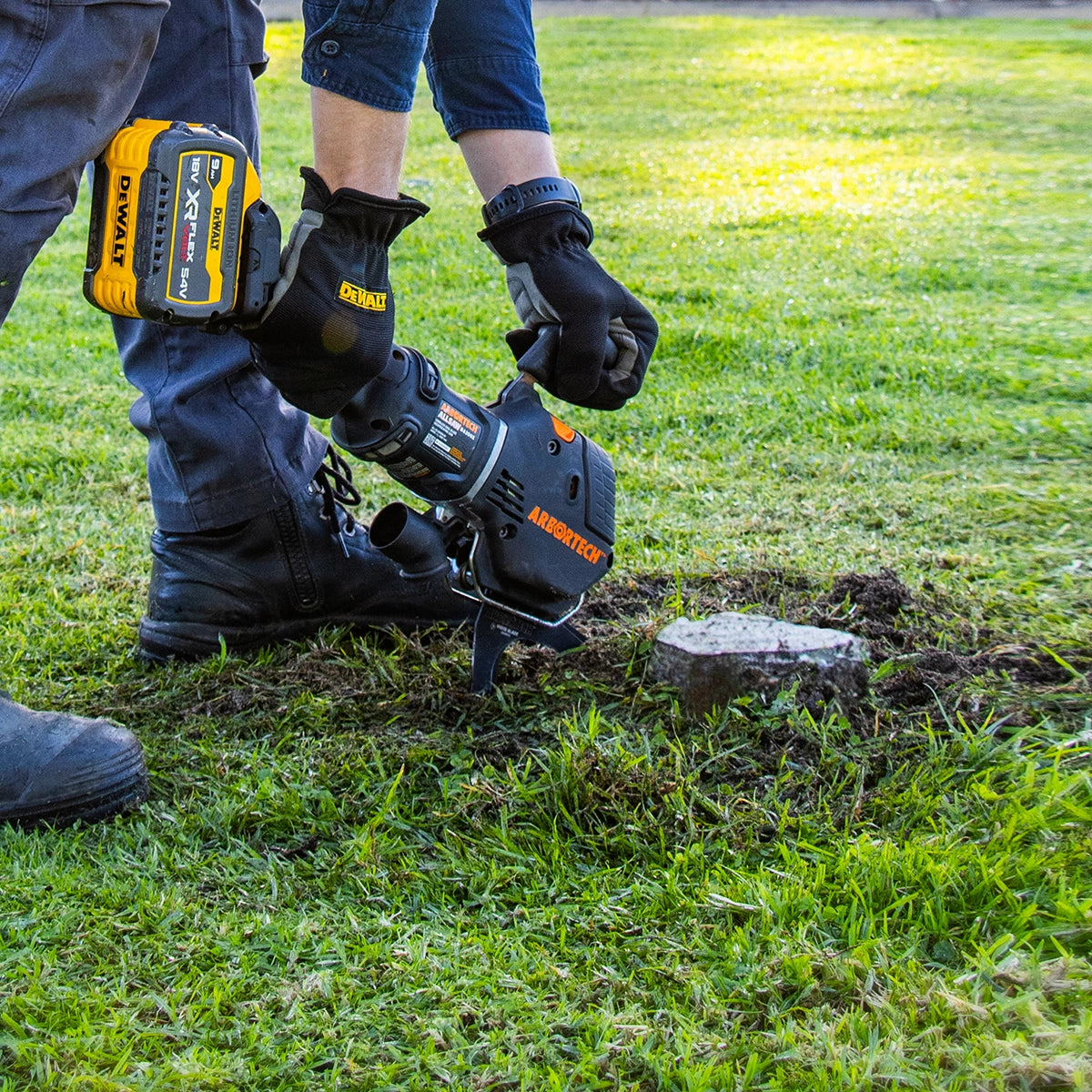
- Wood and in-ground tree roots
Whether you’re tackling tough masonry or clearing roots underground, the ALLSAW outperforms traditional saws every time.
-
Why do my blades keep coming loose?
Follow these steps to ensure proper blade fitment and prevent hardware from loosening:
- Ensure mating surfaces between the blade and conrod are completely clean and dry before installation.
- Inspect blade mounting holes for elongation or internal thread damage. Replace blades if deformed, as loose tolerances cause screws to back out during operation.
- Tighten mounting bolts to 18 Nm using the supplied Allen key.
-
How do I stop the blades rubbing excessively?
Remove the blades and bend them slightly to restore proper alignment.
Important: Blades should only make contact within 25 mm (1″) of the cutting edge. Contact outside this area—or excessive force anywhere along the blade—can overload the tool and lead to premature drive belt wear.
-
Why is the motor overheating?
To prevent the saw from overheating during operation, perform the following checks:
- Airflow Vents: Ensure cooling vents are free of debris and not blocked by your hands during operation. Clean as needed.
- Blade Condition: Inspect blades for excessive wear, which increases friction and heat. Replace worn blades.
- Blade Clearance: Verify proper blade alignment and clearance (refer to the "Changing Blades" section).
- Belt Tension: Check that the belt is not over-tightened, as excessive tension strains the motor (refer to the "Changing Belts" section).
-
The machine is noisy and vibrates.
Perform these troubleshooting steps to identify and resolve tool issues:
- Inspect Bearings: Remove the plastic side cover and drive belt. Rotate each pulley independently—the power pulley should turn smoothly without roughness. If a bearing feels rough or failed, contact Arbortech Customer Support.
- Check Blade Tension: Inspect blade hardware and tighten any loose mounting bolts.
- Inspect Blades: Check for damaged or cracked blades, and replace the blade set if necessary.
- Leaf Spring or Gearbox Failure: If you suspect a broken leaf spring or internal gearbox damage, contact Arbortech Customer Support.
- Top Handle Mounts: Check the rubber handle mounts for wear or damage, and replace them as needed.
-
Blades stop operating under load
Check for the following potential causes and solutions:
- Loose Belt: Re-tension the belt (refer to the "Loose Belt" section).
- Worn Belt: Replace the drive belt (refer to the "Worn Belt" section).
- Worn Pulleys: Inspect pulleys for wear and contact Arbortech Customer Support if damaged.
- Material Hardness: Ensure you are not attempting to cut materials that exceed the tool's rating.
-
The cutting performance is slowing down.
Inspect the following key areas for optimal cutting performance:
- Blade Condition: Inspect teeth for wear, chips, or missing tips. Sharpen or replace the blade set as needed.
- Belt Slippage: Check for belt slippage and verify proper belt tension (refer to the "Belt Tension" section).
-
Why is there grease/oil leaking from the bearings near the blade mounts?
This is normal in approximately the first hour that the new tool is operated or if new bearings have been installed. Leakage should reduce and stop thereafter.
-
The top handle is coming loose.
Handle Mounts: Replace any worn or damaged rubber bushes.
-
The machine will not run.
If the tool fails to start or run properly, perform these initial checks:
- Carbon Brushes: Inspect the brushes for wear or damage, and replace them as needed.
- Power Cord: Inspect the power cable for damage. If damaged, contact Arbortech Customer Support.
- Further Assistance: If the tool still does not operate after completing these checks, contact Arbortech Customer Support.
-
Can the blade's teeth be resharpened?
As the blades dull over time and cutting performance drops, sharpen the teeth using a fine-grit diamond disc to restore cutting efficiency.
-
Blade teeth are missing / chipped / broken
Overheating, striking hard objects, and poor storage can cause lost or damaged blade teeth. Here are key preventative measures:
- Cutting Technique: Avoid improper cutting techniques, which generate excess heat that can melt the solder and dislodge the teeth (refer to the "Cutting Technique" section).
- Material Limits: Ensure the material being cut is within the tool's intended hardness rating.
- Avoid Metal Hazards: Watch for embedded nails, rebar, or other hidden metal inside the material.
- Proper Storage: Handle the tool carefully and avoid setting it down directly on its teeth on hard surfaces or storing it loose in a toolbox.
-
I can’t tighten the blade bolts fully
Stripped threads prevent fasteners from securing properly. Address the issue based on where the damage occurred:
- Stripped Bolt Threads: If the bolt threads are stripped, replace the affected bolts.
- Stripped Tool Threads: If the internal threads on the tool body are damaged, contact Arbortech Customer Support.