

Detail & Texturing

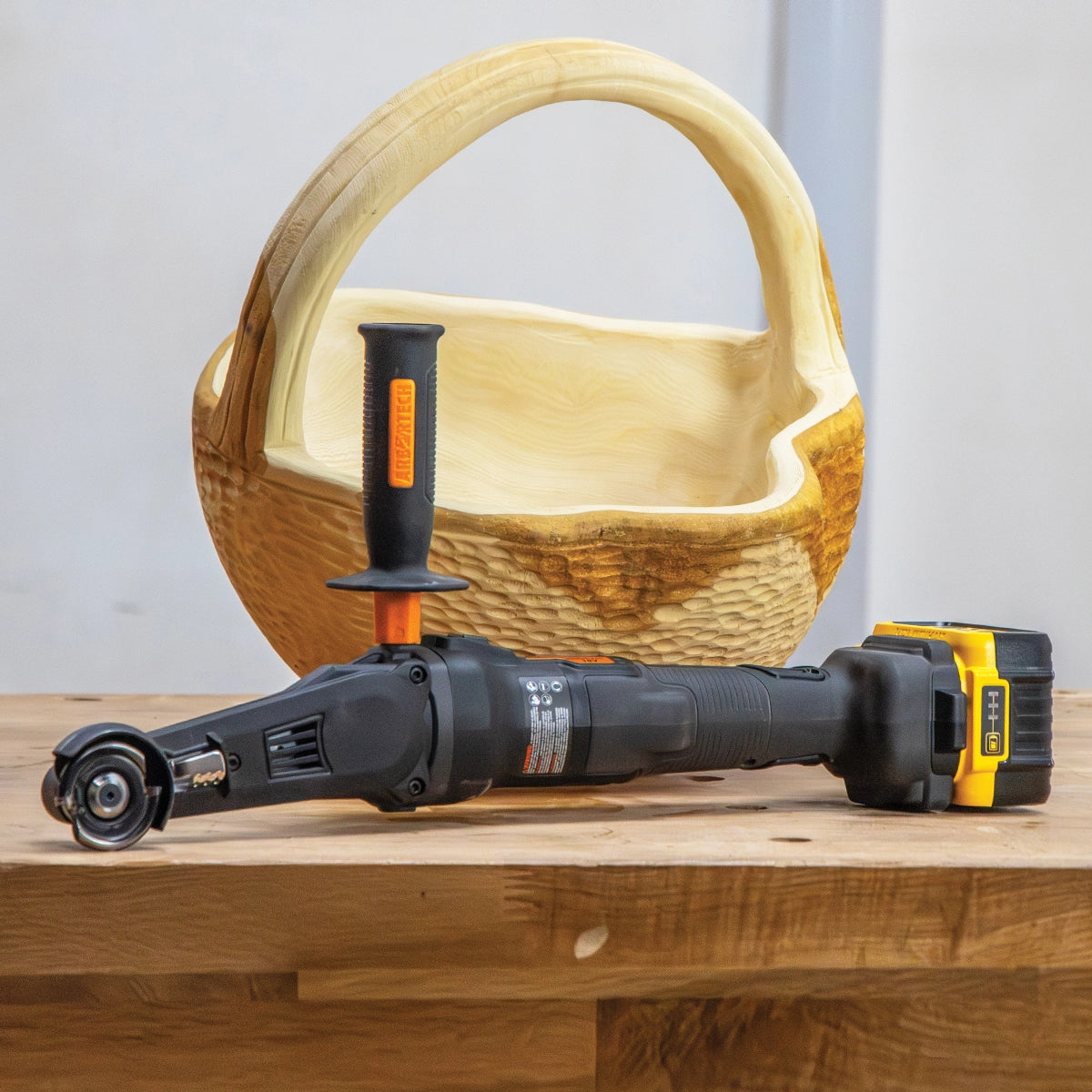
Carving fine surface detail with the Arbortech Mini Carver

Shop by project

Texture, tone &detail

Everything you need for the last ten percent that makes a piece — carved texture, crisp detail, controlled shaping and finishes that invite a second look.

The last pass is the one people touch

Texture is what separates a carved object from a shaped one. Gouge marks that catch the light, scalloped surfaces, feathered edges — detail work rewards tools that respond to your hand instead of overpowering it.

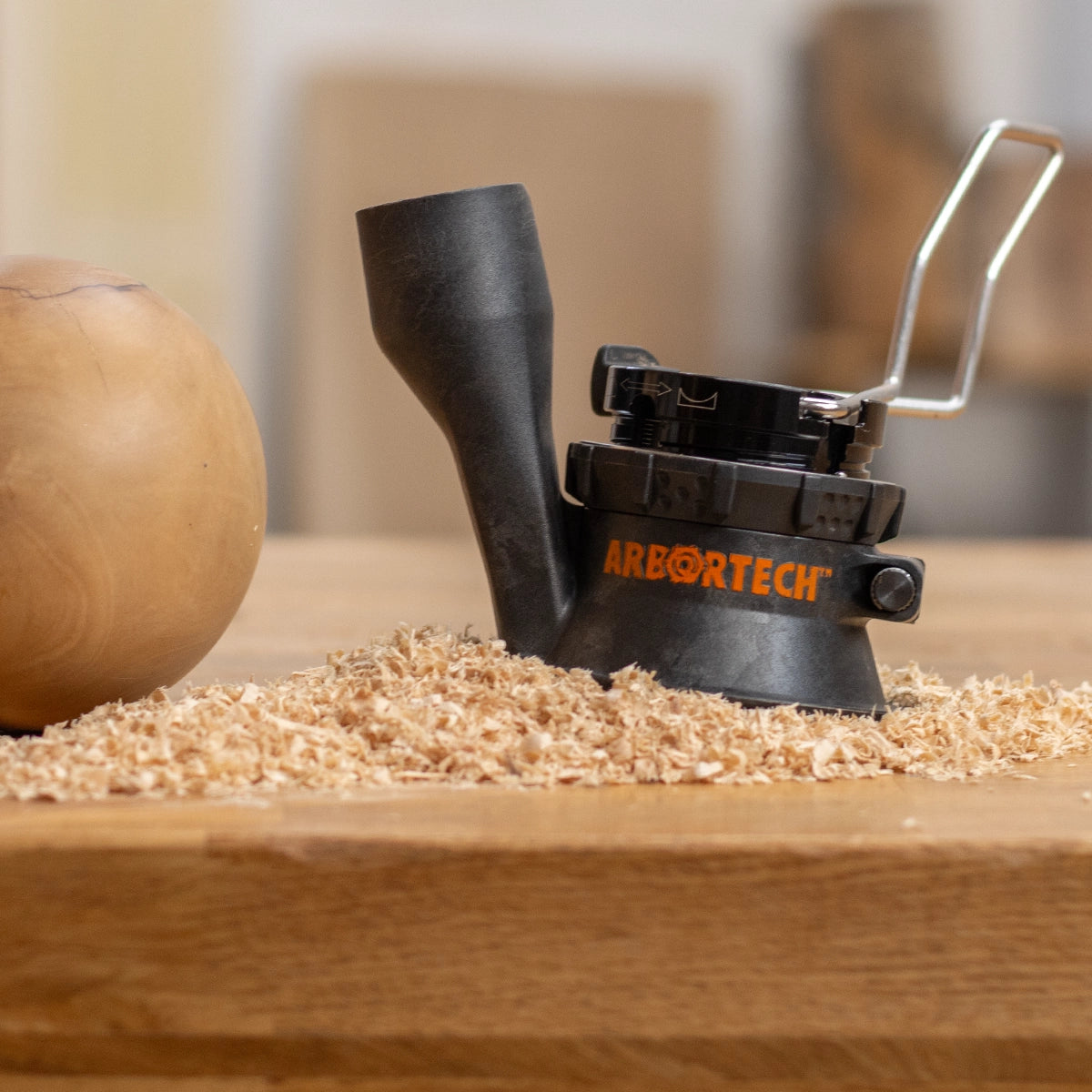
Arbortech's detail tools are built for that conversation: chisel actions that texture without a mallet, compact carvers that reach where grinders cannot, and sanders that soften exactly as much as you ask them to.

Technique

Hand-carved texture with the Power Chisel

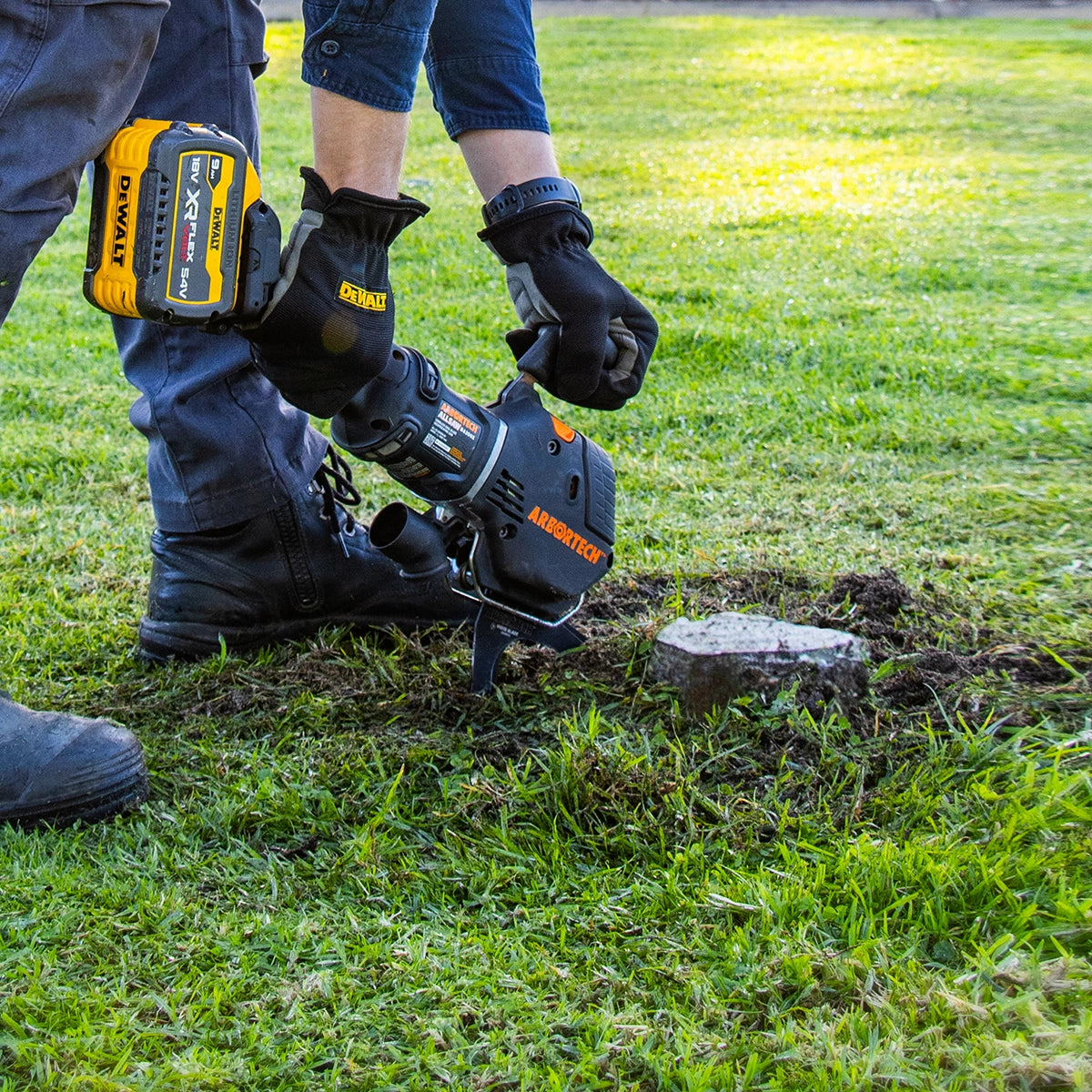
The Power Chisel delivers thousands of controlled strikes a minute, so you get true hand-carved texture — gouge tracks, chip-carved facets, crisp stop cuts — without mallet fatigue. Swap profiles to shift from bold scallops to fine lining on the same panel.

Explore Power Chisel
Hand-carved texture with the Power Chisel
Maker insight

Texture is a decision, not an accident.

Choose which tool marks stay and which go. A surface that shows the maker's hand is what turns an object into a piece.

Kevin InksterFounder, Arbortech

The process

Three moves to a surface that speaks

A repeatable rhythm for texture work — from a single panel to a full commission.

  1. Step 1

    Plan the surface

    Decide where texture lives and where the eye rests — mark out zones so carved areas frame the smooth ones.

  2. Step 2

    Cut the texture

    Work consistent passes with the Power Chisel or Mini Carver, keeping depth and rhythm even across the piece.

  3. Step 3

    Soften & seal

    Knock back high points with the Contour Sander, then finish with oil or wax to deepen the shadow lines.